Here’s the lazy version of repurposing: make one TikTok, download it with the watermark, upload it to Reels with the same caption full of TikTok hashtags, then wonder why it died.
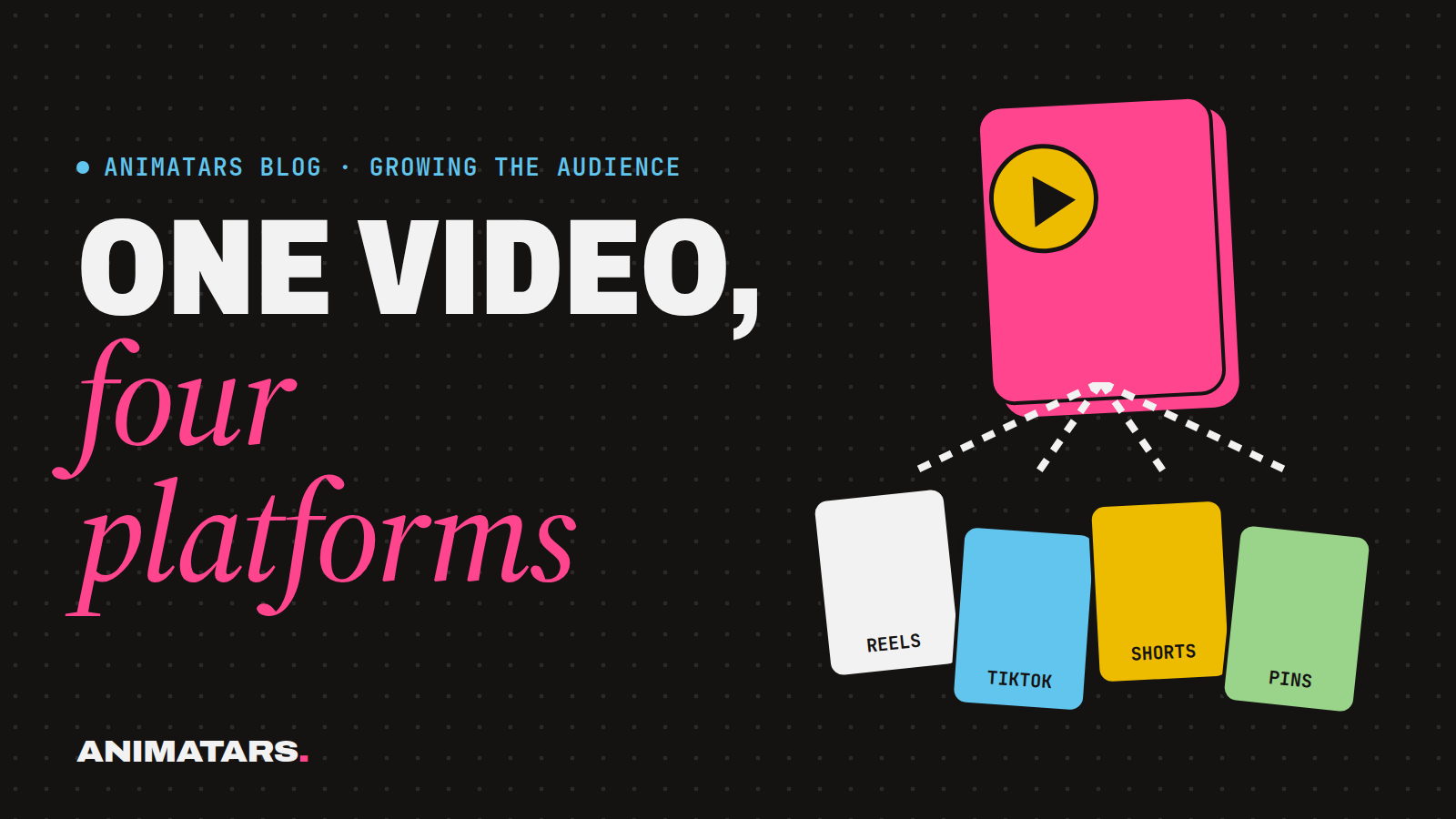
Here’s the version that works: make one great master video, then cook four different dishes from it. Same ingredients, different recipes. That’s how we think about it in the studio, so that’s how this post is laid out. Four recipe cards (TikTok, Instagram Reels, YouTube Shorts and Pinterest), one shared pantry, and a few kitchen rules so you can repurpose content without your audience feeling served leftovers.
The pantry: what to make before you repurpose anything
Every recipe below starts from the same ingredients. Make these once per video and keep them in one folder.
- A clean master export. Vertical, no captions burned in, no platform watermark. Export it straight from your editor (CapCut, for example).
- A captioned master. The same video with on-screen text, also exported clean.
- The raw clips. The stills and short animated shots you made in Midjourney, Flux, Runway or Kling before editing. You’ll want them for alternate cuts.
- Three hooks. Written in your character’s voice. Grab ideas from our swipe file of 31 hooks.
- A voiceover file. If your creator speaks, keep the audio separate so you can re-time it.
- One “after” still. The best single frame of the result. This is your Pinterest pin and your cover image.
Our running example is a Claudia-style video: a tired concrete patio turned into a boho reading corner with an outdoor rug, string lights and a cluster of potted grasses. One afternoon of footage, four platforms.
Recipe 1: TikTok
Serves: people who want personality and a story. Prep: the captioned master, your most conversational hook.
Method
- Open on the ugliest frame of the patio. Put hook text on screen right away: “This patio was storage. Watch.”
- Keep your character’s voice front and center. TikTok rewards chatty, so let her say something a little opinionated (“Outdoor rugs are the most underrated thing you can buy”).
- Trim ruthlessly. If a shot doesn’t move the story, cut it.
- Write a short, casual caption with a question: “Would you keep the string lights or lose them?”
- Add a few specific hashtags about the topic, not a wall of generic ones.
- Turn on TikTok’s AI-generated content label before posting.
Chef’s note: Reply to early comments with video replies. That’s the cheapest second post you’ll ever make.
Recipe 2: Instagram Reels
Serves: people who save things for later. Prep: the clean master, a more polished hook, a cover image.
Method
- Upload the clean master (never the TikTok download) and add text in Instagram’s editor, or use the captioned master if the text sits clear of the app’s buttons.
- Use a slightly more aspirational hook: “A boho patio from things you can find on a budget.”
- Pick a custom cover, using your “after” still. Your grid will thank you.
- Write a longer, useful caption: a short story line, then a mini list of what’s in the space (“outdoor rug, solar string lights, three grasses in mismatched pots”). Mini lists in captions get saved.
- End with a save prompt: “Save this for spring.”
- Turn on Instagram’s AI label. If any links are affiliate or a product was gifted, use the paid partnership tools and say so in the caption.
Chef’s note: Turn the same footage into a carousel a few days later: before, three “steps” from stills, after. Same ingredients, new dish.
Recipe 3: YouTube Shorts
Serves: people who want to learn something, and may subscribe for more. Prep: the raw clips, the voiceover file, your most “teaching” hook.
Method
- Re-cut slightly toward instruction. Open with the result and a promise: “How to make a patio feel like a room, in three moves.”
- Number the moves on screen: rug to define the space, lights for a ceiling, grasses for walls.
- Make sure the title is searchable. Shorts titles can work like tiny search queries (“Boho patio makeover on a budget”).
- Use YouTube’s disclosure setting for realistic altered or synthetic content.
- If you also make long videos, link this Short to the related long one.
Chef’s note: Shorts are a nice on-ramp to a long-form channel. If you’re curious about that path, our list of faceless YouTube channel ideas has formats that suit an AI host.
Recipe 4: Pinterest
Serves: planners. People who are going to do this, just not today. Prep: the “after” still, a vertical version of the video, a link destination.
Method
- Make a Pin from your best “after” still. Add a clean text overlay in Canva: “Boho patio on a budget: 3 moves.”
- Make a second Pin from the video itself, as an idea or video Pin.
- Write a descriptive title and description with the words people actually search: “small patio ideas”, “boho outdoor space”, “renter friendly patio”.
- Link to a real destination. Ideally that’s your own site: a blog post with the shopping list, or a free patio checklist that gets people onto your email list.
- Mention in the description that the creator and images are AI-generated. Pinterest is a visual search engine, and you want trust when people click through.
Chef’s note: Pinterest is the one platform here where a click to your own site is the whole point. That’s why owning a website matters so much; we argue it in full in Why Every Creator Needs a Website.
Side by side: one video, four dishes
| TikTok | Reels | Shorts | ||
|---|---|---|---|---|
| Hook style | Chatty, story | Aspirational | Teaching promise | Searchable title |
| Caption | Short + question | Longer + mini list | Searchable title | Keyword description |
| Best asset | Captioned master | Clean master + cover | Re-cut with steps | “After” still |
| Goal | Comments, follows | Saves, shares | Subscribers | Clicks to your site |
| Label | AI label on | AI label + paid tools if needed | Synthetic content setting | Say it in the description |
Kitchen rules: how to repurpose content without being lazy
Never re-upload a downloaded video. Keep your clean master and post that everywhere. Watermarks from another app look careless.
Change the hook every time. Even if the footage is identical, a new first line makes it a new post for a new crowd.
Don’t post everywhere at the same minute. Stagger by a day or so. It gives you time to see which hook did best on the first platform and borrow it for the next.
Rewrite captions in the character’s voice for each place. ChatGPT or Claude can draft four variants from one prompt, but read each one out loud. If Claudia wouldn’t say it, cut it.
Keep a repurposing log. One extra column in your 30-day content calendar: which platforms each video went to, and which hook it used where.
The repurposing checklist (copy this)
REPURPOSE CHECKLIST: [video name]

Pantry
[ ] Clean master exported (no watermark, no burned captions)
[ ] Captioned master exported
[ ] Raw clips saved in folder
[ ] Three hooks written
[ ] Voiceover file saved
[ ] Best "after" still picked

TikTok      [ ] chatty hook  [ ] question caption  [ ] AI label on
Reels       [ ] new hook     [ ] cover set  [ ] mini-list caption
            [ ] AI label on  [ ] paid / affiliate disclosed if needed
Shorts      [ ] teaching cut [ ] searchable title  [ ] synthetic setting on
Pinterest   [ ] image pin    [ ] video pin  [ ] link to own site
            [ ] AI mentioned in description

Next week
[ ] Turn into a carousel
[ ] Reply to top comment with a video
Repurposing in other niches
The pantry and recipes work far beyond home decor:
- A plant creator turns one repotting video into a chatty TikTok (“I was scared of this monstera”), a Reel with a care-tips caption, a Short titled “How to repot a monstera without killing it”, and a Pin linking to a printable watering schedule.
- A woodworking creator like Logan turns one build into a TikTok build-log, a Reel of the satisfying final sanding, a Short on one specific joint, and a Pin of the finished piece linking to the cut list.
- A cozy-room creator like Alice turns one lighting video into a “same room, different lamps” TikTok, a Reel with a lamp shopping list (affiliate links disclosed), a Short on lamp placement, and a Pin with a moody “after”.
For the bigger picture of building an audience behind a character, start with our pillar guide: How to Become a Faceless Content Creator.
FAQ
Is it bad to post the same video on every platform?
Posting the same core footage is fine and smart. What tends to flop is a straight copy-paste: the wrong caption length, a visible watermark from another app, a hook that doesn’t suit the platform. Adjust those and the same footage can work in several places.
How do I remove the TikTok watermark before posting to Reels?
Export your edit from your editing app (CapCut, for example) before you upload it anywhere, and keep that clean master file. Post the clean file to each platform instead of downloading from one to upload to another.
What’s the difference between repurposing and cross posting?
Cross posting is putting the same thing in several places. Repurposing is reshaping it for each place: a new hook, a new caption, a different crop or length, sometimes a different format entirely like a pin or a carousel.
Do I need to label AI content on every platform separately?
Yes. Each platform has its own setting or label for AI-generated or realistic synthetic content, so turn it on every time you upload. Check each platform’s current options, since they change.
Cook once, serve four times
Pick your best video from last week. Export a clean master. Run it through the checklist. You’ll have four posts from one afternoon of footage, and none of them will taste like leftovers.
Claudia (DIY with Claudia) grew to 582K+ followers and 100M+ views across platforms in 90 days, with zero real faces shown, by showing up in more than one place. We’re building templates, tutorials and the Prompt Vault (captions included) into the Studio Pack for members. Join the beta if you’d like to be first in line.